Modern Guidance for Real-World Operations
Available in Falcon and Falcon Pro
What’s in a name? Everything. The Satloc Falcon™ and Falcon Pro™ are built to reflect the same precision, speed, and reliability as their namesake. Designed for performance in demanding conditions, Falcon systems deliver sharp awareness, fast response, and the durability to handle the toughest flying environments—day after day, pass after pass.
“Unparalleled” is a word often used by industry leaders to describe Satloc GPS systems, and for good reason. With advanced intelligence, intuitive design, and proven field performance, Falcon and Falcon Pro set a standard that others continue to chase.

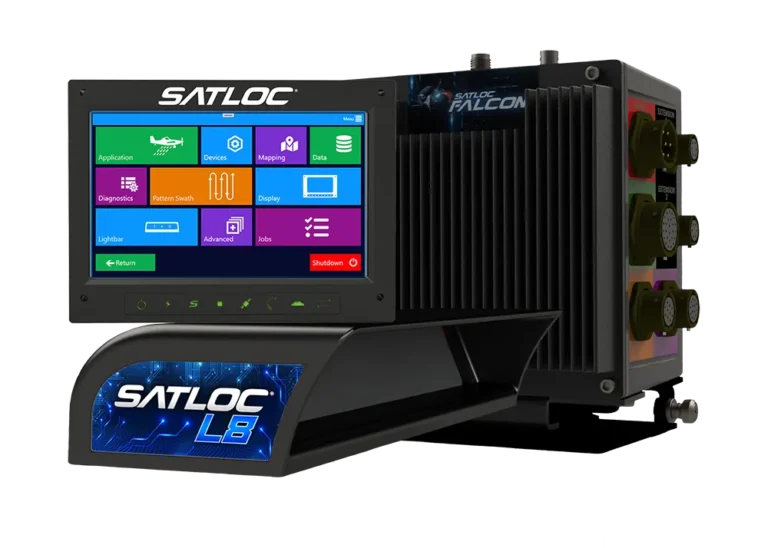
One platform. Two powerful options: Falcon and Falcon Pro.

The Satloc Falcon GPS system will meet all your liquid application needs.
Features include:
- Wi-Fi Connection Capability
- Enhanced Patterns
- Log Files
- Guidance Modes
- Real-Time Background Maps
- Option for Offline- Background Maps (fee applies)
- Ability to connect to Satloc Cloud
- Additional options to Purchase Upgrade Unlock Codes for Enhanced Features.

The Satloc Falcon Pro system is equipped with all the right tools and ready for all liquid and dry jobs!
The Falcon Pro includes all the features from the Falcon and more.
Additional features are:
- Top Hat Control Options
- GPS-assisted Valve Control, activated by a simple pilot switch
- All the unlocks are unlocked and ready to go
- – Auto Dispersal
- – PMAPs,
- – Dry/Variable Rate Control
- 1 year of Satloc Cloud for free
Skip to the comparison section for more information on the differences between Falcon and Falcon Pro.
Vision
ADS-B In
Pilot safety and easy navigation played a major role in the development of the Satloc Falcon and Falcon Pro GPS systems. So, the engineers made an ADS-B In receiver standard (no unlock fees) in all Falcons and Falcon Pros. The communication from the Falcon/Falcon Pro to the L8 or H8 visually alerts pilots of planes as indicated through the ADS-B In.
Falcon and Falcon Pro touchscreen can warn pilots of incoming obstacles with visual cues. With Update v1.12.2, FAA obstacle data is fully incorporated into Falcon and available for viewing when enabled. The FAA provides free tower obstacle data to users within the United States, and this data is fully integrated and compatible with Falcon and Falcon Pro systems.
ADS-B In provides critical information to help pilots avoid accidents. However, ADS-B In does NOT replace pilot best practices, pilot situational awareness, or properly functioning equipment

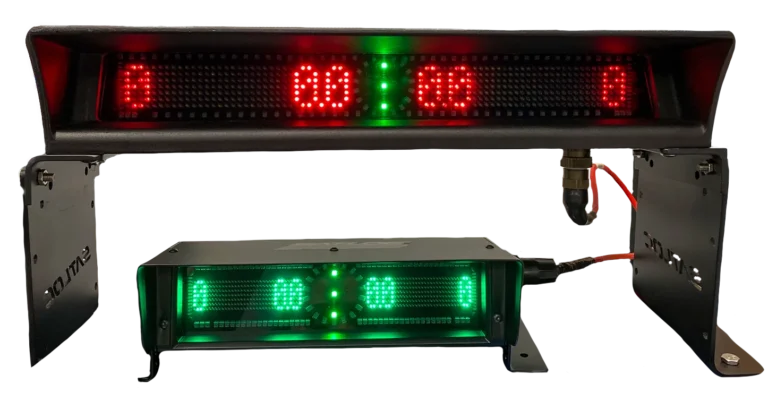
L8 & H8 Lightbar
Working in conjunction with the L8 or H8, Falcon and Falcon Pro utilize new LED lighting to indicate height above the canopy or ground based on AgLaser input.
ADS-B In comes standard on all Satloc Falcon and Falcon Pro systems and includes an external antenna at no additional cost—no unlock fee required. It also communicates directly through the L8 or H8 Lightbar for enhanced pilot awareness.
Want to learn more about all the great features of the L8 or H8 when used with Satloc Falcon, Falcon Pro, and other Satloc GPS systems?
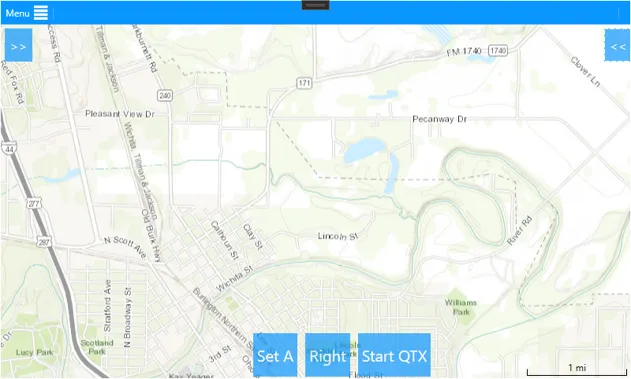
Real Time Background Maps
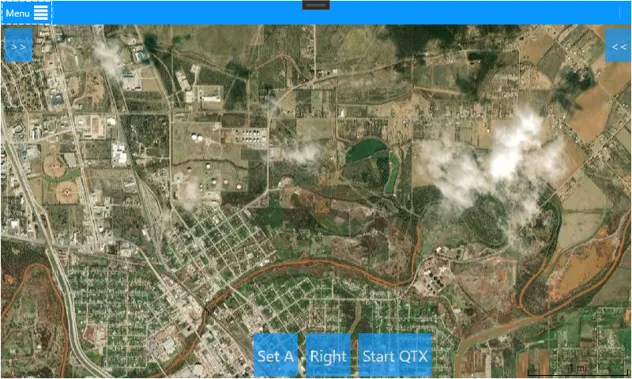
The Satloc Falcon and Falcon Pro incorporate and display background maps to enhance visibility and usability in the field. When connected to the internet—such as through a cellphone or hotspot—both systems can display background maps in real time.
No internet? No problem. The Satloc Falcon and Falcon Pro also support downloading GIS maps for offline use (fees apply), keeping background maps visible even when operating without a connection. Please note that setting up offline maps requires additional steps and associated costs.
Another powerful feature of Falcon and Falcon Pro is the ability to view prescription maps directly on top of background maps, improving accuracy and decision-making.
Ready to utilize these features in your workflow? Contact your Satloc dealer to get started.
Speed
Multiple Processors
To give the Falcon and Falcon Pro a speed that is unparalleled by its competitors, the designers programmed and installed numerous processors. Each performs a specific job, keeping the system from getting bogged down.
Faster Software Updates
Nothing is more exasperating than waiting on software updates after turning on your ag aviation GPS system. So, the engineers organized it into modules that allow for quick, seamless, and non-intrusive updates to the end-user. Designed to update when connected to the internet, the Falcon Pro and Falcon can get the latest software without plugging in a USB or sending it to a dealer.
Communication
Integrated Wifi
WiFi integration in the Falcon and Falcon Pro allows Cloud connectivity and remote tech support. With the pilot’s permission, Satloc tech support can log into a Falcon Pro or Falcon and remotely provide support.
Increased GPS Capabilities
An applicator’s time is valuable, especially during the season. With this in mind, Satloc improved the GPS signal capabilities for the Falcon and Falcon Pro, which decreases signal loss while increasing pass-to-pass accuracy.
Database Flow
Operating with a new internal database flow, the Falcon and Falcon Pro relates information between job input and applied log. This allows the user to search by job or log to find all associated data and log output. If you look at the log, you know which job(s) it is on and vice versa for the job to the log(s). The beauty of the Falcon and Falcon Pro database is that the data points provide cross-references to the other data points. For example, look up a pilot, and there will be cross-references to the jobs a pilot has completed. Likewise, look up a date, and it will cross-reference logs for the date that a person searched.

Satloc Cloud connects your Falcon and Falcon Pro systems to a centralized platform, giving operators greater visibility and control over their operations. Data from the field can be accessed, managed, and reviewed in real time, helping teams stay aligned and make informed decisions faster. By bridging the gap between aircraft and office, Satloc Cloud streamlines communication and keeps your operation running efficiently.

Simplicity
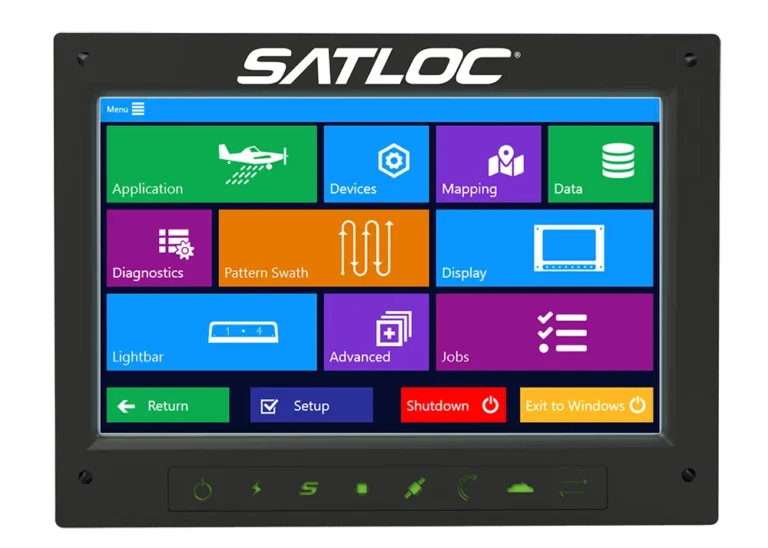
Touchscreen Display with Multiple Options for Menu Navigation and Data Input
Ease of navigation was a key focus in the design of Falcon and Falcon Pro. From the home screen to every menu, the interface is built to be simple and intuitive, allowing pilots to access most settings within one to three taps.
Falcon and Falcon Pro feature 9” or 7” touchscreen displays with a modern layout of app-style buttons and dropdown menus. The interface prioritizes clarity by showing only the information relevant to the current operation. For example, when using liquid controls, dry application options are automatically hidden to reduce on-screen clutter.
In addition to the touchscreen, Falcon Pro includes a multi-functional knob for navigating menus and adjusting values. Whether using touch or the knob, pilots can quickly and efficiently move through the system with minimal effort.
Setup Wizard
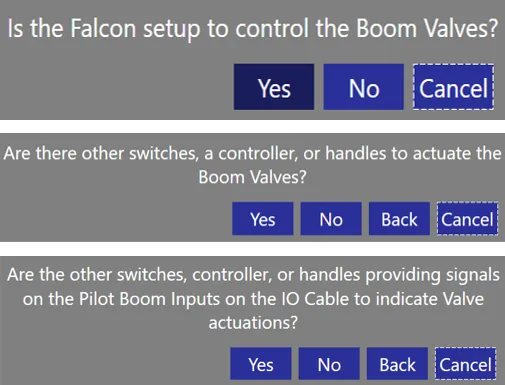
Occasionally, pilots need to perform setup tasks that can be complex or unfamiliar. To simplify this process, Satloc developed the Boom Setup Wizard—a guided tool that reduces guesswork and streamlines configuration.
For example, aircraft configured for boom control can have up to 28 possible setup combinations, making it difficult to manually match inputs to wiring. The Boom Setup Wizard walks users through a series of simple questions, guiding them step by step to the correct configuration.
The result is faster setup, reduced errors, and greater confidence in the field—just one more way Satloc is committed to making advanced technology easier and more practical for the applicator.
Programmable Top Hat Connection for Falcon Pro
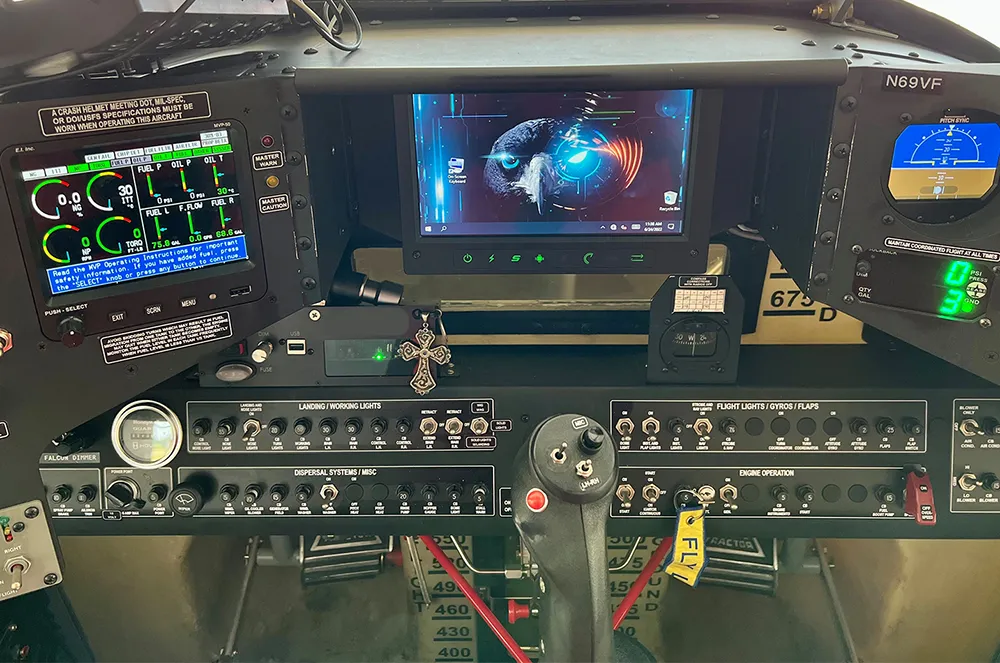
Exclusive to Falcon Pro, a pilot has many options for Top Hat Capabilities:
- Decrement
- Increment
- Mark
- Dimming
- Boom Control
- Map Zooming and Panning
- Trimming
- Software Interaction – For example, a programmed top hat can bring up a page (like boom control), and then adjustments can all be made from the stick.
Durability
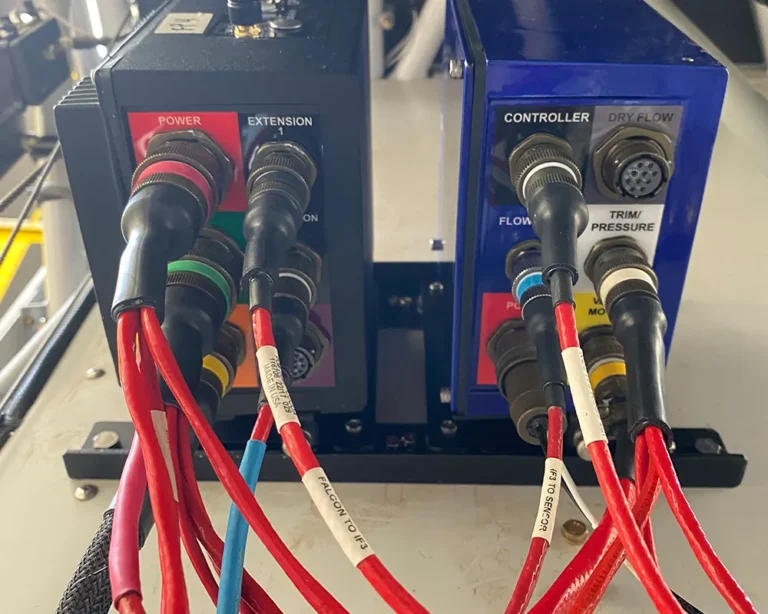
Durability in flight through rugged conditions is a trademark of Satloc GPS systems. The Satloc Falcon and Satloc Falcon Pro do not disappoint in terms of reliability for pilots, whether in miles flown in the plane or in rough conditions outside the plane.
To continue Satloc GPS’s legacy of reliability and durability, engineers added new technology to improve GPS capabilities for the Falcon and Falcon Pro, reducing signal loss and increasing pass-to-pass accuracy.
- Rugged militarized cannon plug connectors
- Shielded fire-resistant cabling
- Vibration dampers are included for mounting the CPU
Support
Satloc offers How-To videos to help learners know how to use Falcon and Falcon Pro. Visit Satloc’s YouTube Channel to learn more!
Watch How-To Videos for Satloc Falcon and Satloc Falcon Pro. Videos include, but are not limited to:
Falcon & Falcon Pro Simulator
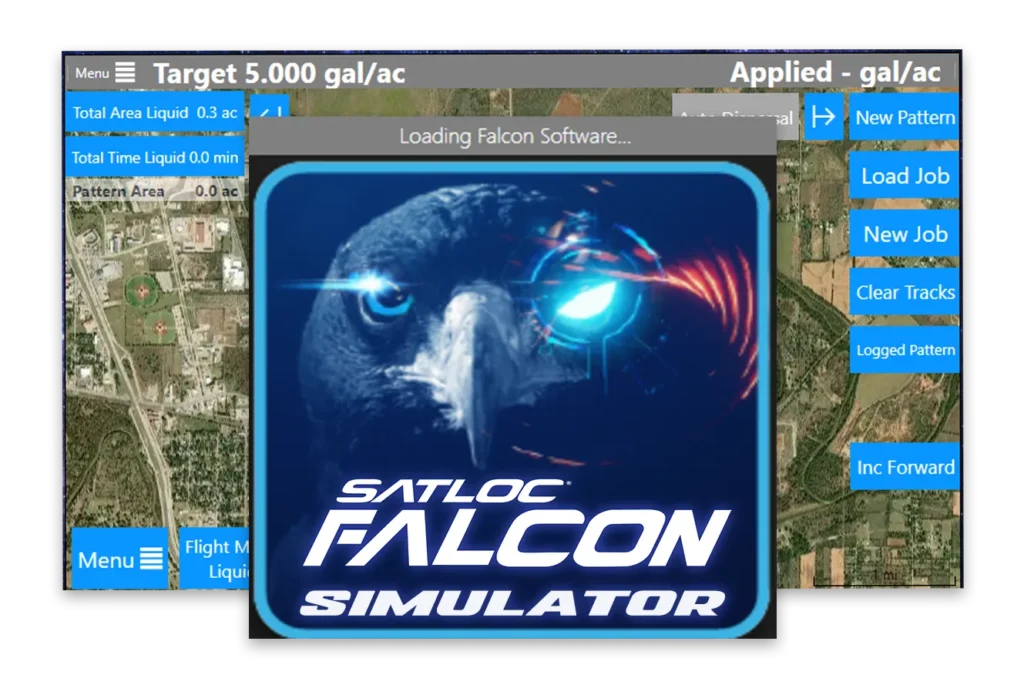
Get to know the new Satloc Falcon & Falcon Pro with the downloadable simulator.
The minimum system requirement for installing the Satloc Falcon simulator:
- Windows 8 OS and above
- 2 G RAM memory
- 32 G Hard drive
Download the troubleshooting page if you have trouble installing the Falcon simulator.
Falcon & Falcon Pro Comparison
Falcon
System Features-
CPU With Two Mounting Options
-
Multilingual (English, Spanish, Portuguese)
-
7" or 9" Screen Options
-
ADS-B In
-
Solid State Hard Drive (256 GB)
-
Built In Wifi Connection
-
Satloc Cloud Connection (With 3rd Party Options)
-
Real Time Background Maps
-
Shape File Support
-
Cockpit Encoder Knob- Single (Option to Upgrade)
-
Ag Laser Connection (Plug & Fly, No Additional Cabling)
-
Guidance Modes Enhanced Features
-
PMAP'S (Unlock Required - $)
-
Auto Dispersal (Formerly Spray Off, Unlock Required -$)
-
Boom Control Input (With Enhanced Patterns Unlock Required - $)
-
GPS-assisted Valve Control, activated by a simple pilot switch
-
Dry Controller / Variable Rate
-
Transland Meterate
-
Transland Electric Gate
-
External CAN
-
Top Hat Control Inputs (Additional Hardware Required)
-
Integrated AIMMS Capability
Falcon Pro
System Features-
CPU With Two Mounting Options
-
Multilingual (English, Spanish, Portuguese)
-
7" or 9" Screen Options
-
ADS-B In
-
Solid State Hard Drive (512 GB)
-
Built In Wifi Connection
-
Satloc Cloud Connection (With 3rd Party Options)
-
Real Time Background Maps
-
Shape File Support
-
Cockpit Encoder Knob- Dual (Option to Upgrade)
-
Ag Laser Connection (Plug & Fly, No Additional Cabling)
-
Guidance Modes Enhanced Features
-
PMAP'S
-
Auto Dispersal (Formerly Spray Off)
-
Boom Control Input (With Enhanced Patterns)
-
GPS-assisted Valve Control, activated by a simple pilot switch
-
Dry Controller / Variable Rate
-
Transland Meterate
-
Transland Electric Gate
-
External CAN
-
Top Hat Control Inputs (Additional Hardware Required)
-
Integrated AIMMS Capability (Optional Upgrade)
Tech Specs
Wireless Data
Communications: WiFi, 802.11
AC, 2.4 GHz or 5 GHz
Main CPU: Intel Core i5-
8365UE, 8th generation @ 1.60
GHz with Turbo up to 4.1 GHz
Solid State Drive: 256 GB for
Falcon and 512 GB for Falcon
Pro (Western digital M.2 NVMe
PCIe Gen3)
Memory (RAM): 4 GB @ DDR4 SO
DIMM
Power Input: 10-30 VDC, reverse
input, fault output, and surge
protection
Screen: 7” or 9” Touchscreen with multi-
function display
Mount Style: Horizontal or Rack
Footprint:
Rack Mount – 6” x 3.9” (23.3 sq in)
Horizontal Mount – 6” x 6” (36 sq in)
GPS: 20Hz SBAS GPS with optional GLONASS enhanced by 100 Hz inertial measurement
Compatibility
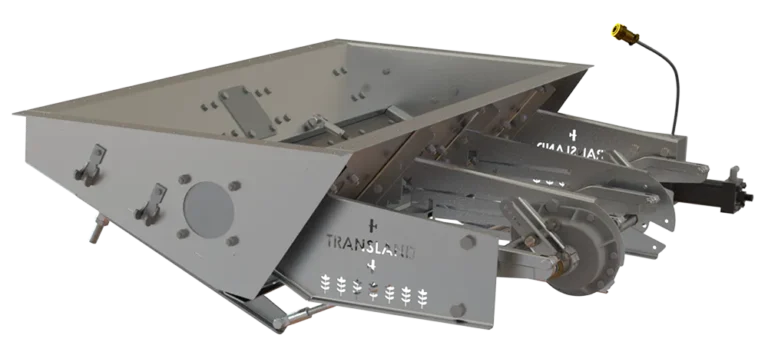
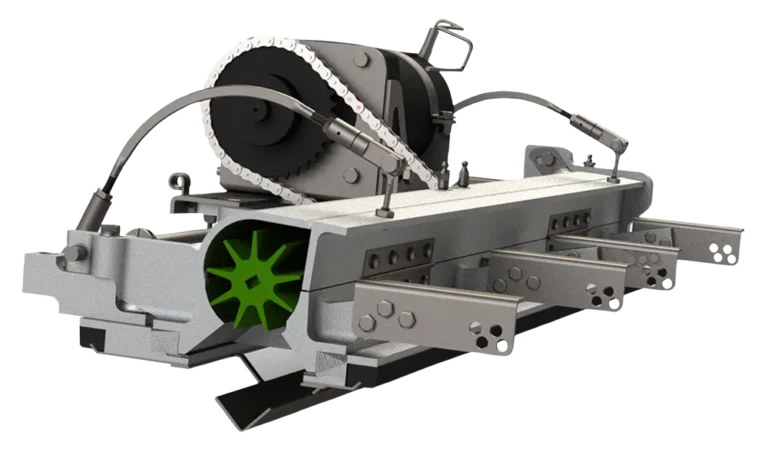
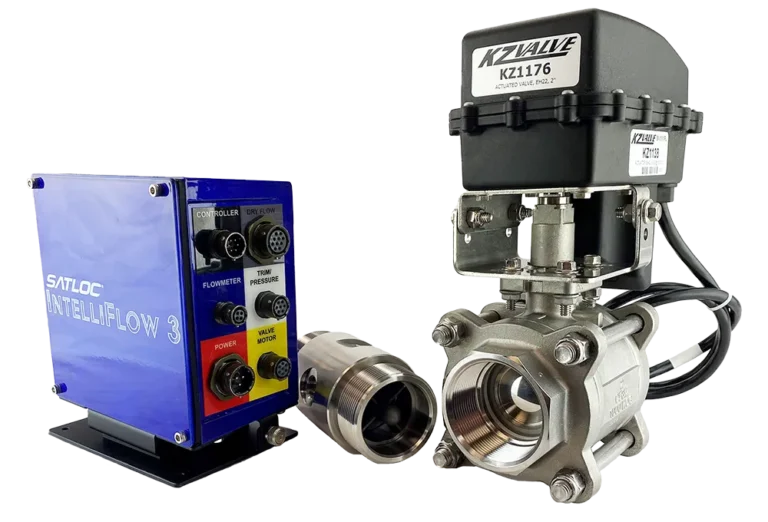
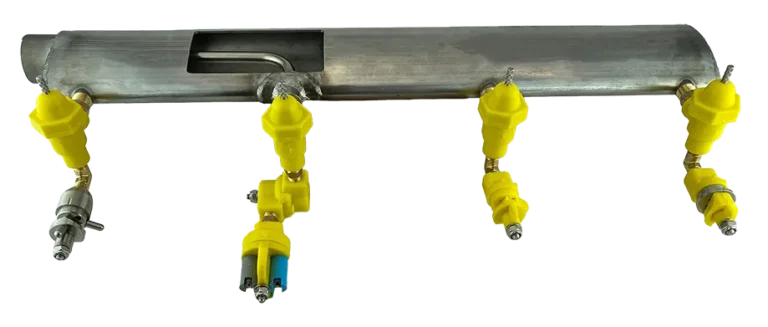
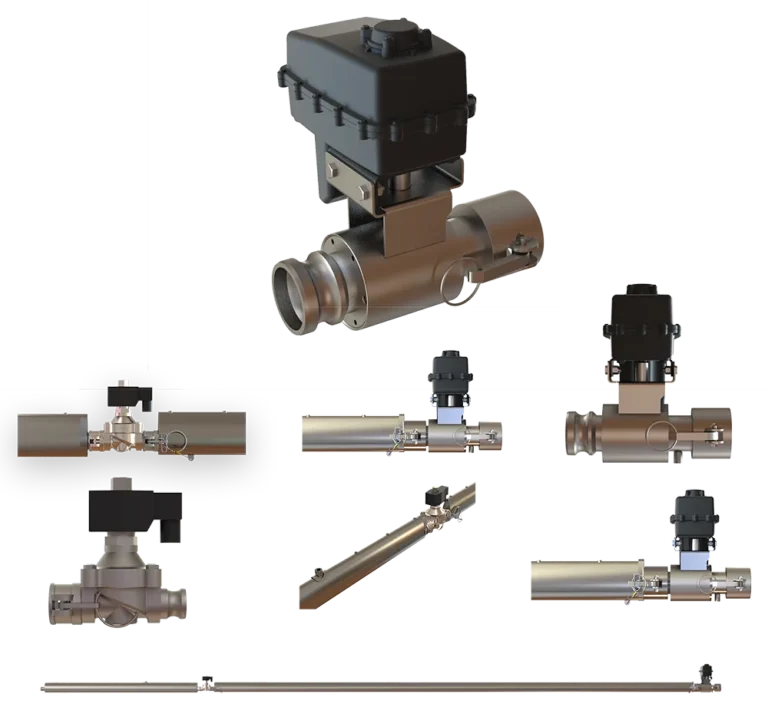
The Satloc Falcon and Falcon Pro integrate with a wide range of Transland products, including Electric and Hydraulic Gate Boxes, Meterate dispensing systems, Weldless Stainless Steel Booms, Boom Shut-Off Kits, and CP Nozzles. The Falcon Pro supports direct control of gate boxes and Meterate for dry and granular applications, while both models work with IntelliFlow 2 and IntelliFlow 3 flow control systems for liquid operations. The Satloc AgLaser and Satloc Cloud further extend the system’s capabilities with real-time altitude data and wireless fleet management.